How to Format Your Novel Manuscript in Google Docs (Quick Guide)
The act of writing your novel is the number one priority, but it’s also important to ensure your novel is in standard format. Why? You want your novel to be accessible and easy to read for everyone, especially agents.
But don’t wait until your novel is finished to format it. It’s far more fun (and less time-consuming) to format it correctly from the very beginning. It gives the process of drafting an air of legitimacy. It feels more concrete, more…like a real novel.
If you’ve ever opened your current draft and thought, This doesn’t feel like a book yet, this is an important step that really helps. Formatting won’t write the story for you, but it can make it easier to show up to the page.
Set Up Your Manuscript Before You Start Drafting (or mid-drafting)
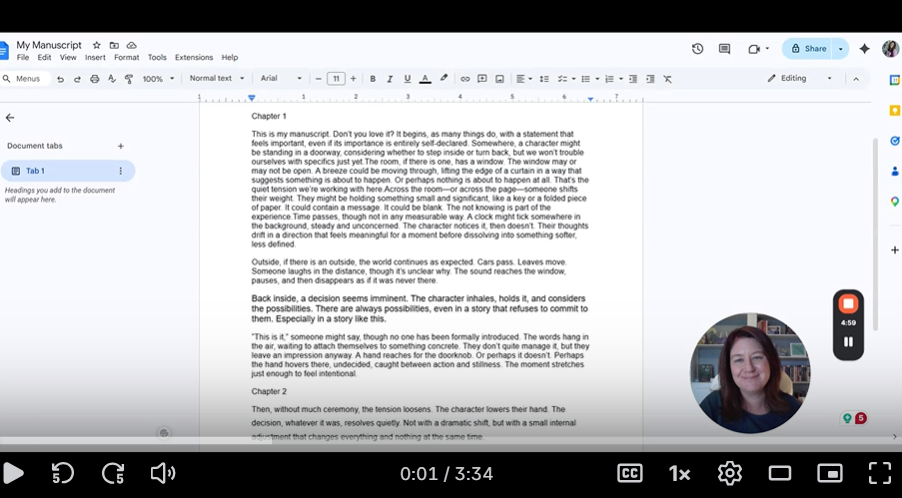
For all my Google Docs users, here is a three-part video series that walks you through the steps to make your manuscript aesthetically pleasing. You can watch them all in under ten minutes.
Video #1 (4 minutes): How to Format Your Novel Manuscript Using Google Docs
Video #2 (1 minute): How to Add Manuscript Headers Using Google Docs
Video #3: (4 minutes): How to Create a Manuscript Cover Page Using Google Docs
If you’re brand new to manuscript format, start with Video #1 and stop there for now. You don’t need everything perfect to begin. What you need is a clean, readable setup.
In addition, here is a copy of the manuscript template I worked with in the videos. You can make a copy of this for yourself to use as a template. Quick note: This template follows standard submission guidelines (12-point font, double-spaced, etc.), so you don’t have to second-guess whether you’re “doing it right.”
Oh, and I do recommend watching them at normal speed. I’m a fast talker!
Did you find this post helpful? Any additional formatting tricks that you’d like to share? Please let me know in the comments!